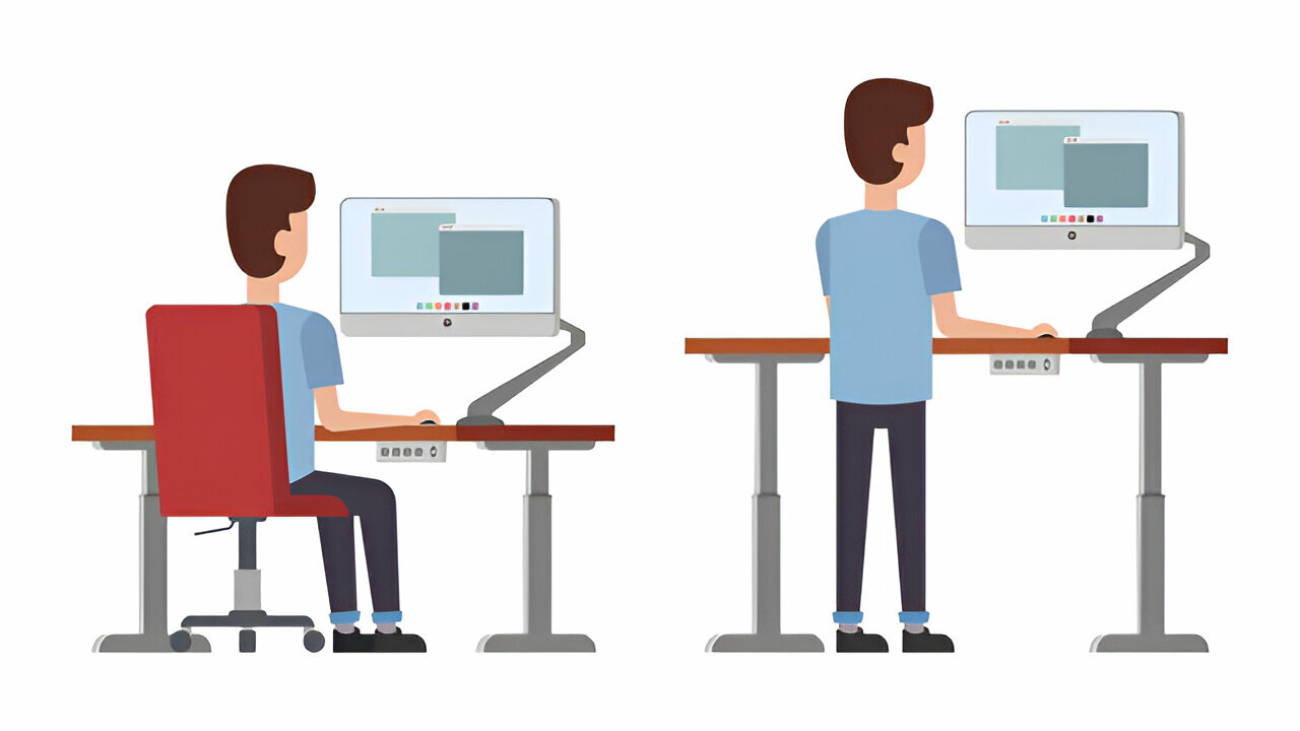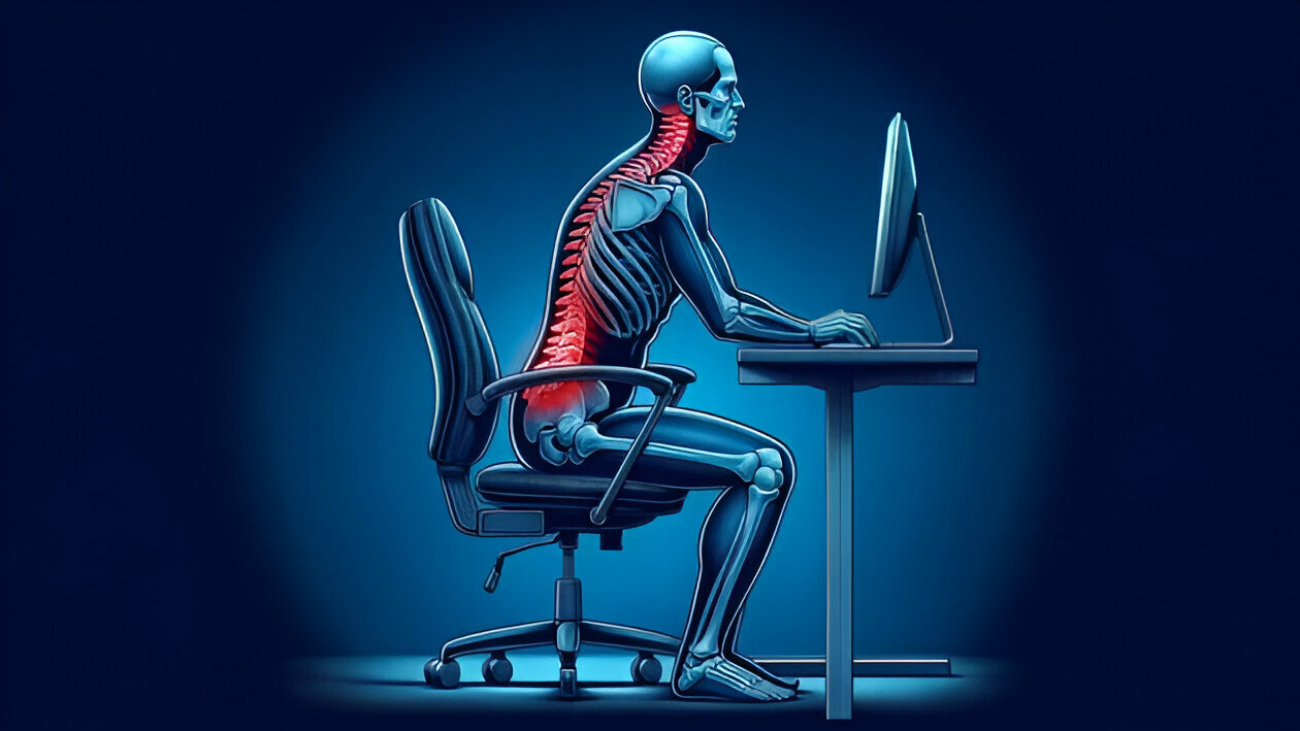
This article explores how modern ergonomic design innovations are reshaping workplace performance, safety, and employee well-being. As technologies and work demands evolve, traditional ergonomic approaches must adapt. The author discusses historical foundations, guiding principles, and cutting-edge strategies in ergonomic design—especially focusing on the use of anthropometry, 3D modeling, AI, and human–robot collaboration to create adaptive and human-centered workstations.
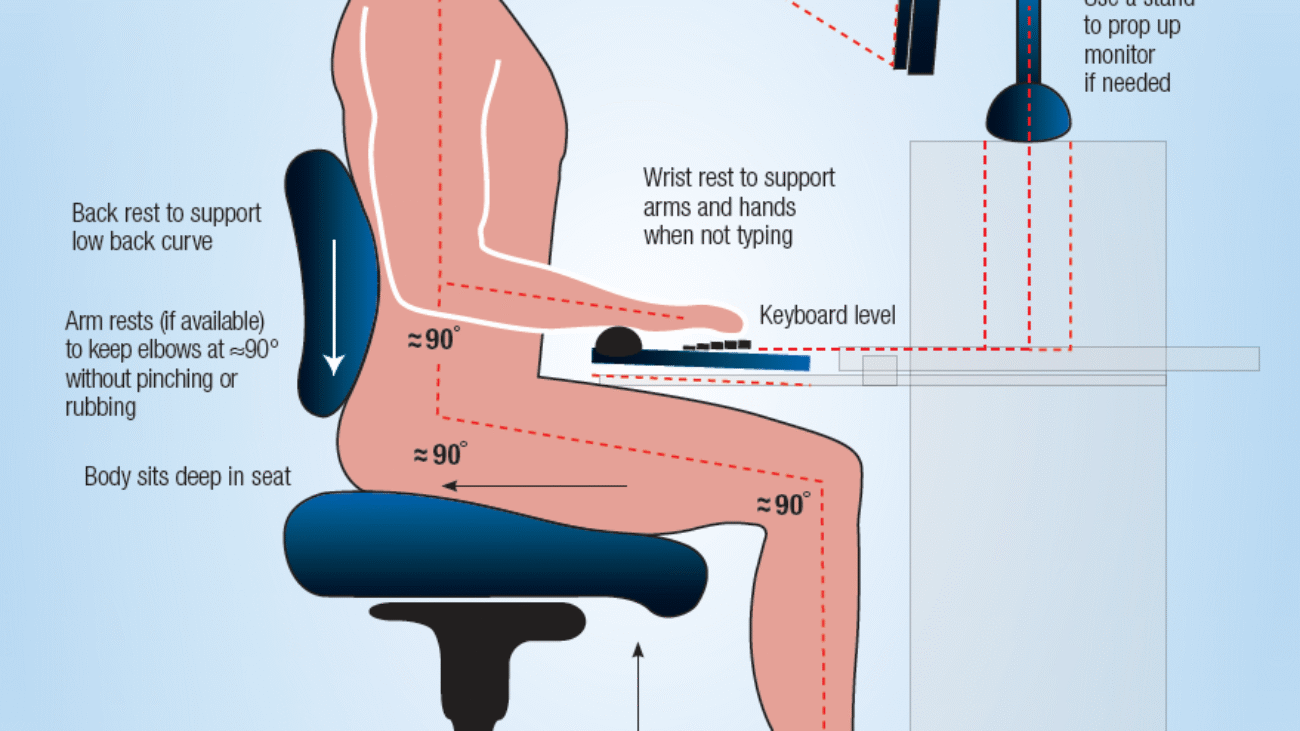
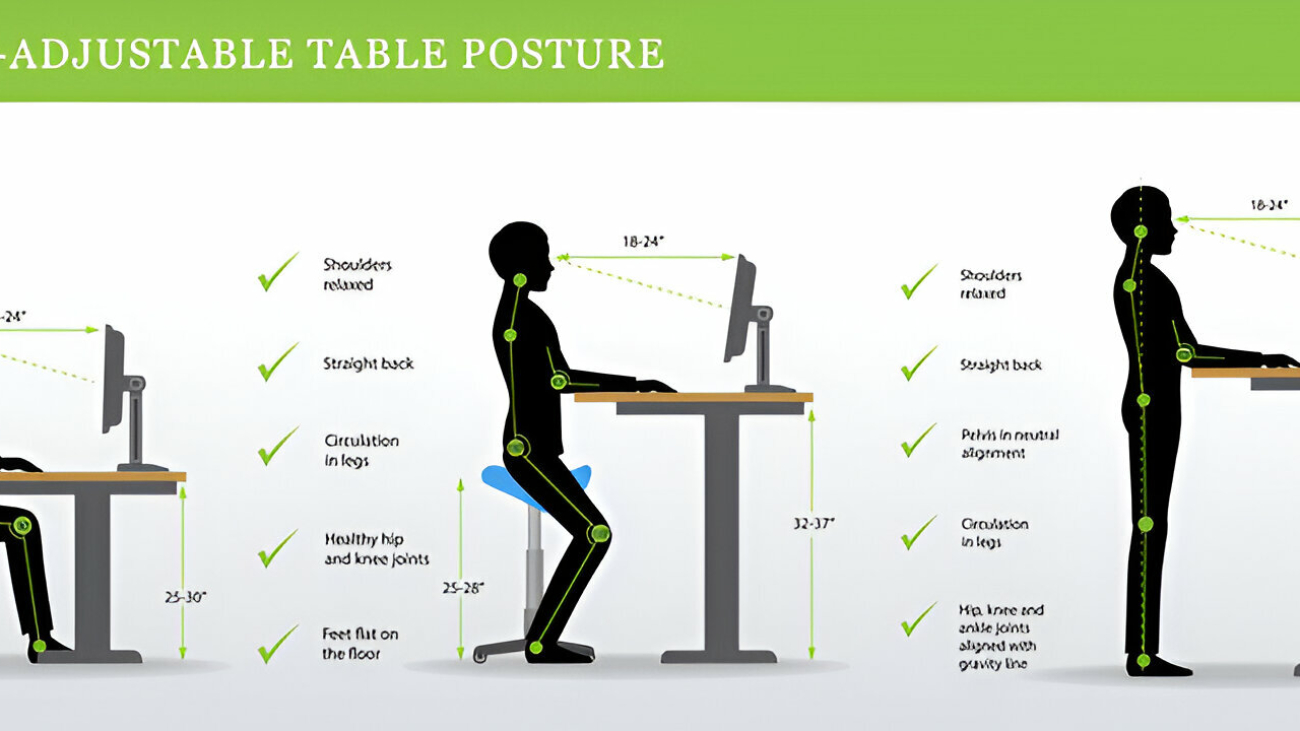
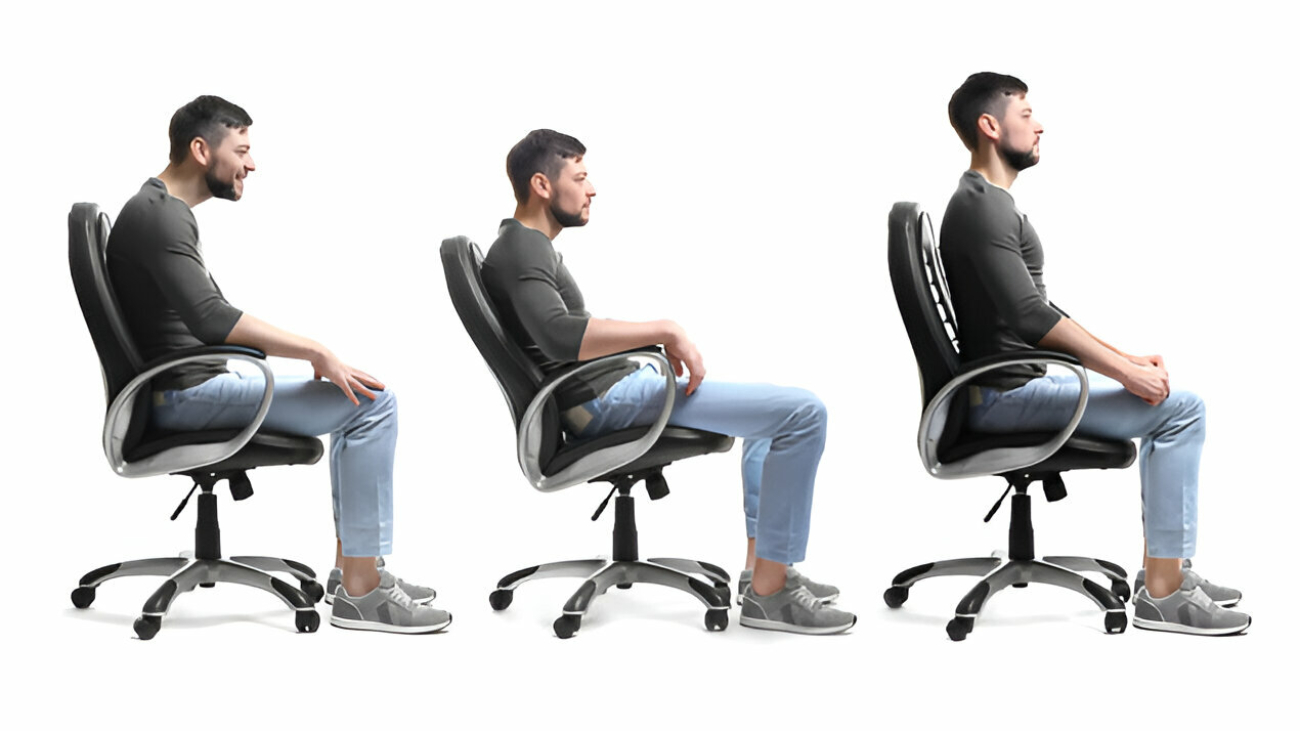
The paper begins with a review of early ergonomic work and how the field has advanced to reflect integration with engineering, biomechanics, psychology, and design. It argues that workplace setups must be personalized, matching desk heights, chair dimensions, and postural supports to the body dimensions of individual users. For example, chair and desk proportions should correspond to femur length, knee height, torso lean angles, and reach envelopes.
A central contribution of the work is a case study in which the author uses 3D modeling and anthropometric datasets to design improved chair and desk units, comparing variants with and without armrests. The analysis shows how these custom designs can reduce awkward postures and better accommodate diverse body sizes.
The article also surveys emerging innovations:
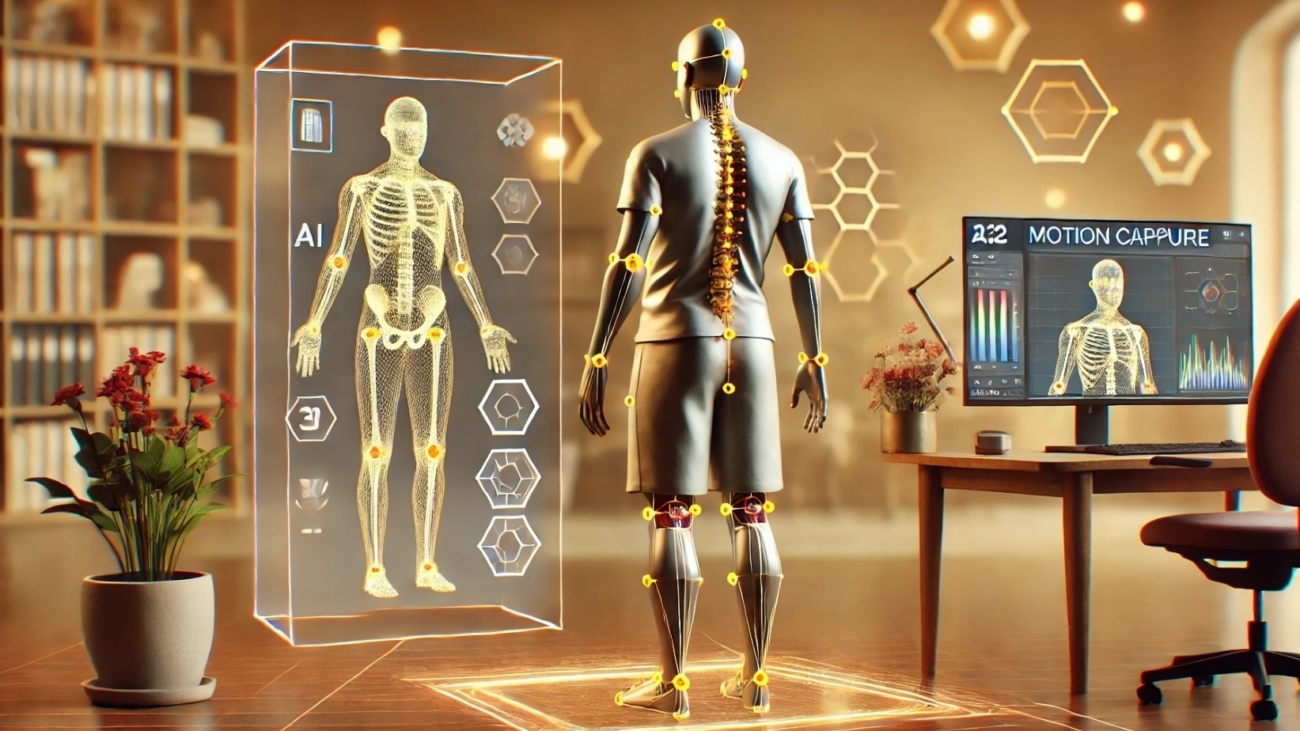
- Digital ergonomics, where sensors, feedback systems, and adaptive control adjust furniture behavior dynamically in response to user posture.
- Human–robot collaboration, where robotic systems may assist or reposition workpieces to reduce strain.
- Incorporation of AI and data analytics to predict risk, provide posture correction cues, and optimize workspace configuration over time.
The author also addresses challenges: implementing ergonomic standards across varied industries, cost constraints for advanced systems, user acceptance, and ensuring inclusive designs that cater to different populations.
In conclusion, the article argues that the future of ergonomics lies in adaptive, responsive, and integrated systems — not just static furniture. To truly enhance workplace performance and safety, ergonomic design must embed intelligence, leverage cross-disciplinary collaboration, and continuously evolve in response to human needs and technological advances.
Source : https://rojournals.org